




Dongguan Kaidi Electronic Technology Co., Ltd. is an innovative enterprise dedicated to the agency and sales of liquid crystal displays, supply chain financial management within the LCD sector, and the production and sales of televisions and monitors. Established in 2007, our core partnership factory has grown through years of development and technological advancement, becoming a frontrunner in the manufacture of televisions and monitors. With a youthful and vibrant team, the company has swiftly established a competitive edge in supply chain management, supported by a robust LED/LCD screen supply chain and factory resources. Internationally, Guangzhou Magic is actively expanding its B2B segment, providing high-quality OEM services and delivering comprehensive product support to global customers. Concurrently, the company is venturing into the B2C retail market, aiming to build a global sales network to offer customers a wider variety of choices and more efficient services.
Rich Product Variety
Our main products include LED LCD TV, SKD CKD TV, interactive whiteboard, TV open cell, portable monitor and other electronic equipment.
Competitive Price
We have a professional purchasing team and costing team, trying to reduce costs and profits, and provide you with a good price.
Complete Qualifications
Our products meet and exceed 20 international standards. We cooperate with international certification agencies such as CCC, CE, ROHS, UL, FCC, SAA, BV, etc. to ensure product quality.
Global Shipping
We cooperate with professional sea shipping, air and logistics companies to provide you with the best transportation solution.
Rich Experience
Our core cooperative factory was established in 2007. After years of development and technological progress, our company has rich production and manufacturing experience and has become a leader in the field of TV and display manufacturing.
Leading Service
We have many years of industry experience and a complete production management, quality supervision, sales service operation system. Whether you want to buy interactive whiteboard or portable monitor, just send your requirements by email and we can customize the product for you.

15.6 Inch Dual Screen Extended Monitor
Dual Screen Extended Monitor lets you easily switch between applications, compare documents, and streamline your workflow. Using dual monitors can improve your productivity and multitasking capabilities. Whether you're a professional looking for a more efficient work setup or a gamer looking to immerse yourself in an expansive gaming experience, our selection of dual monitors delivers crisp visuals, seamless connectivity, and customizable features to meet your specific needs.

High Quality 17.3 Inch IPS Monitor
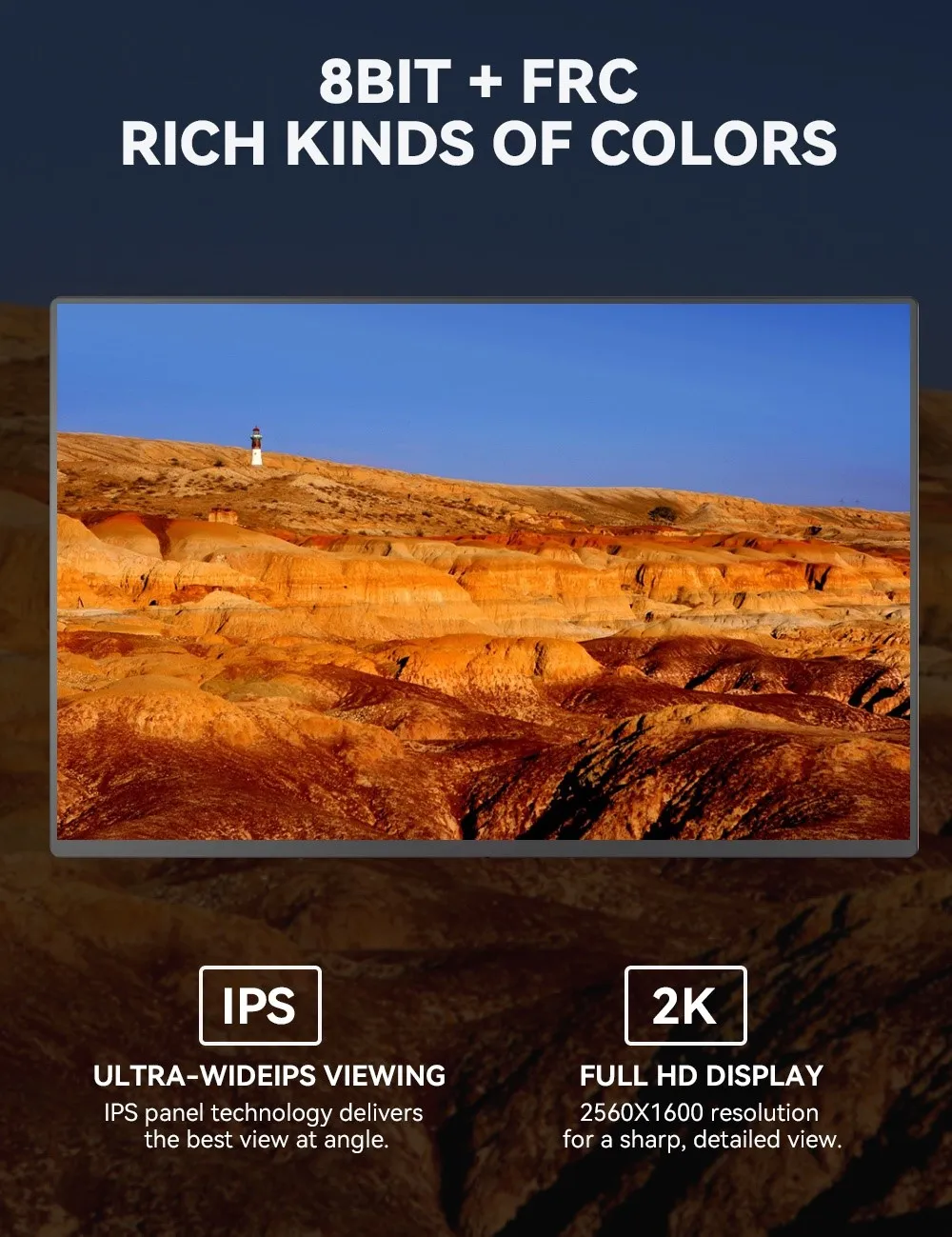
IPS Monitor, short for "In-Plane Switching," uses liquid crystals arranged between two glass surfaces to produce rich colors. Additionally, the liquid crystals' ability to shift horizontally allows for impressive viewing angles without color shifting. Because of this, IPS displays are ideal for those seeking color accuracy and consistency, as well as ultra-wide viewing angles.

13.3 Inches 4K Sleek Ultra-Portable Display
13.3 Inches 4K Sleek Ultra-Portable Display with In-Plane Switching (IPS) technology delivers sharper, more accurate images and wide viewing angles on a 16:9 screen. Its lightweight and slim form factor fits easily into most travel bags. The monitor features High Dynamic Range (HDR) technology to enhance image quality, significantly expand contrast and color range, and create an exceptional viewing experience.
15.6 Inch Dual Screen Extended Monitor
Resolution:1920*1080P
Screen size:15.6
Aspect ratio:16:9(Widescreen)
Description: Portable Monitor 1080P Display Laptop Extender Dual Laptop Monitor

Wholesale 15.6 Inch Portable Monitor
Resolution:1080P/4K
Screen size:15.6
Aspect ratio:16:9
Description:4K HDR Portable Monitor Housing Material Alloy Features 10 Points Touch Optional
Usage laptop,desktop,mobile phone etc.

HDR Portable Gaming Monitor 16 Inch
Resolution:1920*1080/2k
Screen size: 16.1"
Aspect ratio:16:9
Description: With a slim and lightweight design, high-definition screen offers crystal-clear visuals and vibrant colors.

4K HDR Portable 14 Inch Screen
Resolution:3840*2160
Screen size: 14.0"
Aspect ratio:16:9
Description:With 10 point touch / non-touch Usage laptop,desktop,mobile phone etc.
13.3 Inches 4K Sleek Ultra-Portable Display
Resolution:1920*1080, or 4K available Item Color Black
Screen size: 13.3
Aspect ratio:16:9
Description: 4K HDR Slim Portable Monitor Housing Material Luxury Aluminum Alloy Features non-touch, or touch available Usage laptop,desktop,mobile phone etc.
What Is a HDR Portable Game Monitor
HDR (High Dynamic Range) Monitors provides higher contrast and more vibrant colors, enhancing the viewing experience for content that supports HDR. High-dynamic range (HDR) is a specification that determines whether a display can render an image that has deeper contrast, a wider color gamut, and generally better representation of brightness than that of a standard-dynamic range (SDR) display. This means that with content that supports HDR and a correctly calibrated display, you will often be able to spot more details in both brighter and darker scenes while also enjoying an image that can look slightly more saturated or color-accurate, depending on the implementation.
Benefits of HDR Portable Game Monitor
Enhances the Contrast Ratio
The difference between the brightest whites and the darkest blacks that a display or monitor can create is known as the contrast ratio. Better picture quality is produced when these display settings are balanced well. Games and other stuff, including videos, will all look great. A display performs better with increased contrast. One between 1000:1 and 3,000:1 is suggested. HDR makes these settings better. In actual life, it improves the appearance of photos. They will enhance the constant ratio of your display and your ability to see clearly in low-light situations.
Better Images Are Produced
The best way to achieve vibrant visuals is by investing in an HDR TV, display, or monitor. To give an image more depth, bright areas are made more vibrant, while dark areas are made darker. You would choose the TV with a decent display system if you were to compare two TVs or displays, one with a better resolution and the other with a better contrast ratio. Video editors, professional gamers, photographers, video editors, and everyone who appreciates high-quality images should be interested in this color revolution.
Enhance Colors
With HDR, the luminance images are represented differently in the signal, allowing for the portrayal of highlights. Because they have a wide color gamut, many HDR monitors offer more enhanced colors. As a result, the colors appear richer and deeper than you had hoped. The green of numerous plants, the rich violet of eggplants, and the blue of the sky are all extremely visible. The material looks much better now, and the colors are enlarged to reveal more vibrant reds, blues, greens, yellows, violets, pinks, and everything in between.
Game monitor work in a certain environment for a long time and are affected by various environmental factors, including humidity, temperature, cleanliness, electromagnetic interference, power supply, etc. Therefore, in order to stabilize the performance of the monitor, it is necessary to understand and master the general maintenance knowledge and maintenance methods of the monitor.
Humidity Factor
The humidity is generally kept between 30% and 80%, and the IPS monitor can work normally. However, if the indoor humidity is higher than 80%, condensation will occur inside the monitor, and its high-voltage components are prone to discharge. In severe cases, the monitor will be damaged, and the components inside the machine will be prone to rust and corrode. In severe cases, the circuit board will be short-circuited. When the indoor humidity is lower than 30%, static interference will be generated inside the IPS display, and the possibility of components being damaged by static electricity will be greatly increased, thus affecting the normal operation of the monitor. Therefore, the display must be moisture-proof. If the monitor is not used for a long time, it is best to power it on regularly for a period of time to use the heat generated by the monitor to evaporate the moisture in the machine.
Temperature Factor
The components inside the game monitor will generate a lot of heat when working. When the ambient temperature is too high, its performance and service life will be greatly reduced, making the monitor unstable and the components will also accelerate aging. Therefore, there should be enough space around the monitor, and it is best to place it in a ventilated place to facilitate heat dissipation. In summer, it is best to place the monitor in an air-conditioned room, or use an electric fan to help dissipate heat.
Dust Factor
The high voltage in the HDR game monitor is as high as 10kV~20kV. Such a high voltage can easily attract dust particles in the air. The dust adsorbed on the printed circuit board will affect the heat dissipation of electronic components, and may also cause leakage and burn out components. Therefore, the working environment should be kept clean.
Magnetic Field Factor
The electromagnetic interference sources include AC power, unshielded speakers, and electromagnetic fields generated by the operation of household appliances with high power consumption such as fluorescent lamps, televisions, refrigerators, and electric fans. Long-term exposure to the magnetic field may magnetize or damage the monitor, so the monitor should be placed away from the electromagnetic field.
Power Factor
Although the operating voltage of the monitor has a wide range of applications, instantaneous high-voltage shocks may also cause damage to components. If the operating voltage is unstable, the image on the display screen will be abnormal. At this time, the power should be turned off immediately and the power should be turned on again after the voltage stabilizes. Therefore, a socket with a fuse should generally be used. If conditions permit, it is best to use a UPS (uninterruptible power supply).
Factors to Consider when Selecting HDR Portable Game Monitor
Gaming monitors are designed to make the output of your graphics card and CPU look as good as possible while gaming. When considering selecting a gaming monitor, it's worth taking the time to understand everything a gaming monitor can do, so you can translate gaming monitor specs and marketing into real-world performance.
Resolution
Resolution is a key feature of any monitor. Beyond increasing the detail onscreen in games or movies, there's another benefit to higher resolutions. They give you more desktop real estate to work with. That means you get a larger workspace on which to arrange windows and applications.
Response Times
In addition to refresh rate, response times are also an important factor. It dictates how fast it takes a monitor at the pixel level to shift from one color to the next. A lower number is better here, as a poor response time can cause ghosting and other visual artifacts to appear. Many monitors have a 5ms or 4ms response time, which is acceptable, although 1ms (or sometimes even lower) is best for gaming.
Screen Size
Display size for computer gaming really comes down to personal preference. The one thing to keep in mind is that screen size, resolution, and pixel density are all related. Generally, the larger the number of pixels per inch (ppi), the better the image. Density correlates with sharpness. In general, any modern monitor that's between 24 and 32 inches will be just fine for gaming.
Contrast Ratio
Contrast ratio, one of the most basic measures of a monitor's performance, measures the ratio between the extremes of black and white that the screen can display. When it comes to contrast ratios, higher numbers are better. A high contrast ratio, like 4,000:1, means bright highlights, inky blacks, and dark areas where details are still perceptible.
Refresh Rate
Refresh rate is the frequency at which your entire screen refreshes the image. Higher refresh rates make onscreen motion look smoother, because the screen updates the position of each object more rapidly. This can make it easier for competitive players to track moving enemies in a first-person shooter.
Certificate


Frequently Asked Questions
Size: 16.1"
Frequesnce: 60hz
Screen Matte IPS HDR Supported
Color: Gamut 100%sadobe RGB,1.07G Contrast Ratio 1000:1
Brightness: 300 cd/m2
Interface: Type Type-C
View Angle: H:178 V:178 Speaker Built-in Dual Speakers
Resolution: 1920*1080/2k
Color: Black
Display Ratio: 16:9
Certificate: CE,FCC,Rohs
Usage: laptop,destop,mobile phone etc
Interface: type C port*1,Type C power port*1,earphone jack*1,Power interface *1,HD-compatible
Accessories: Smart case*1,Adapter*1,Power cable*1,USB Type-C Gen2 cable*1,HD-compatible cable*1
Hot Tags: hdr portable gaming monitor 16 inch, China hdr portable gaming monitor 16 inch manufacturers, suppliers, factory, travel stable monitor, slim office monitor, external multimedia monitor, compact monitor, second durable screen, mobile work monitor